What Dimensions Mean for Arrays
What Dimensions Mean for Arrays
Before we can solve harder array problems, we need to be clear about one small but important idea: what is a "dimension"?
A dimension is just an independent direction
Think of a dimension as one direction you can move in. Each direction is independent of the others — moving in one does not affect the others.
- Anything you draw on a flat sheet of paper has two dimensions: width (left–right) and height (up–down).
- The real world adds a third dimension: depth (near–far). That is why we can pick up an object, walk around it, and see it has thickness.
We live in a three-dimensional world, so picturing up to three dimensions feels natural.
In math, there is a precise way to say this: the dimension of an object is the smallest number of coordinates you need to point to any single spot inside it. On a line you need 1 number. On a flat sheet you need 2 numbers. In a solid block you need 3 numbers.
How this maps onto arrays
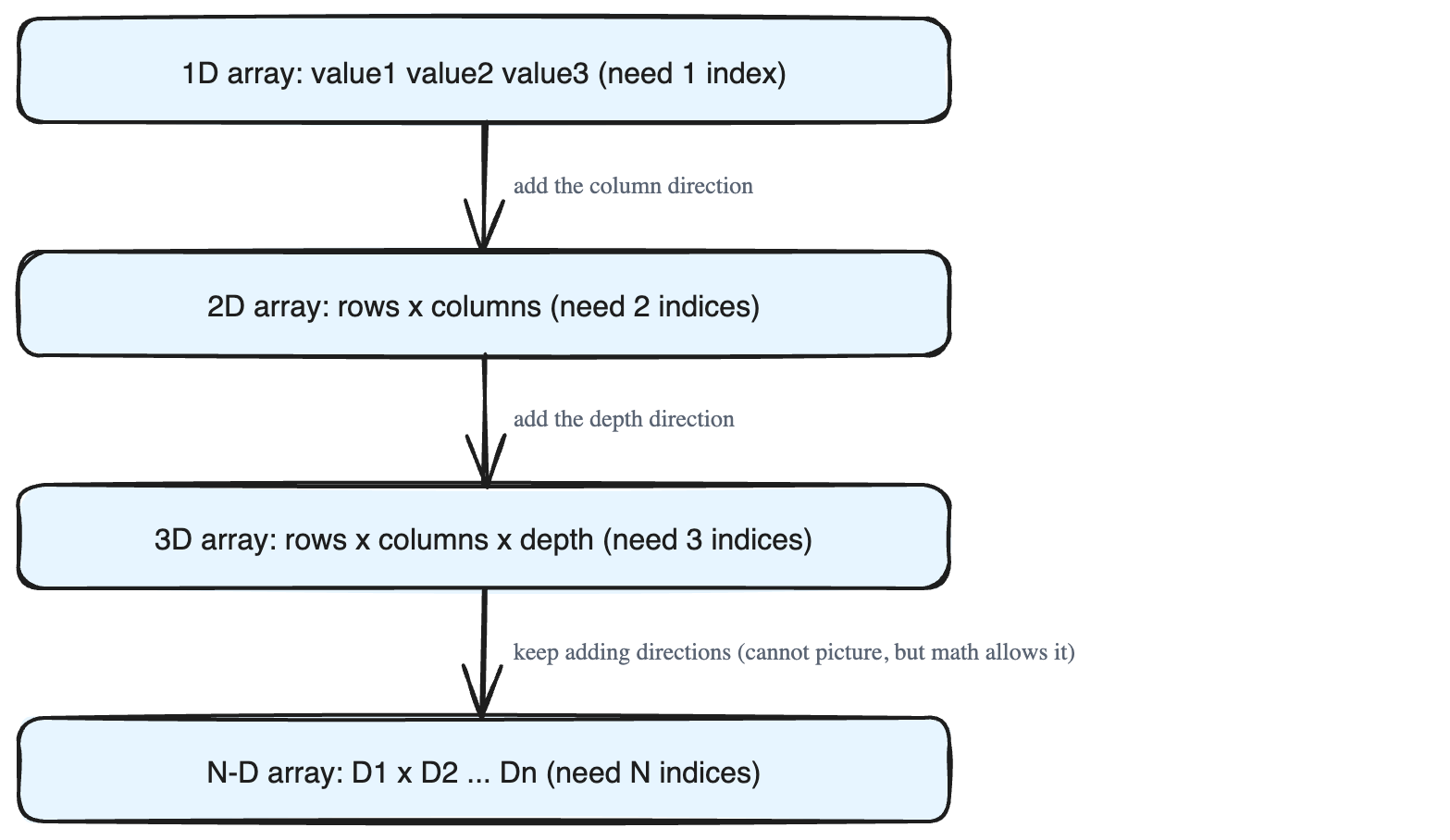
Arrays follow the exact same idea. The dimension of an array is how many index numbers you must give to reach one single value.
- Single-dimension array — a simple row of values like
value1 value2 value3. You need one index to pick a value. Think of it as a single line. - Two-dimensional array — values arranged in rows and columns, like a table or a grid on paper. You need two indices: one for the row, one for the column.
- Three-dimensional array — several of those grids stacked behind one another, adding depth. You need three indices: row, column, and depth. Picture a stack of pages, where each page is a 2D grid.
So for arrays, the three everyday directions get the names row, column, and depth.
Going beyond three dimensions
We cannot *picture* anything past three dimensions — but math has no such limit. We can create and work with arrays that have any number of dimensions. When an array has N dimensions, we call it an N-dimensional array or a multidimensional array. These two terms mean exactly the same thing.
Once we pass three dimensions, the friendly words *row, column, depth* run out. So we switch to a clean mathematical description instead. An N-dimensional array has sizes for each dimension, written as D1, D2, D3 ... Dn, where Di is the size of the i-th dimension. Its total shape is:
(D1 x D2 x D3 ... Dn)
Higher-to-lower order: an easy trap to remember
Here is the part that surprises beginners. In math we naturally write the sizes from lower to higher: D1 x D2 ... Dn.
But almost all programming languages write them the other way — from higher to lower:
Dn x Dn-1 x Dn-2 ... D1
So when you actually *define* an array in code, the dimensions are listed as:
array [Dn][Dn-1] ..... [D1]
The same higher-to-lower order is used when you access one item. If the coordinate of the item is (I1, I2, I3, ... In), you read it in code as:
array [In][In-1] ..... [I1]
This higher-to-lower notation is also what the computer uses internally to calculate the base address of an item — the exact memory location where that value sits.
The one thing to take away
A dimension = one index you must supply. The number of indices is the number of dimensions. And remember: math lists dimensions low→high, but code lists them high→low.